
You pick up the recruiter’s call and freeze, notes splayed, keyboard clicks echoing, the three-second pause stretching forever. That silence spawned a new breed of phone-friendly AI assistants that hear the question, transcribe it, and flash a first bullet before the pause turns awkward. Employers noticed too, and many now spell out when AI help is allowed. Below are five tools that help you answer faster, compared from their own vendor pages.
What to compare in a phone-interview AI assistant
Choosing a live call copilot isn’t about checking boxes; it’s about closing the silence gap without raising suspicion. Five factors matter most:
Speed and no-typing fit. Look at what each vendor publishes about the pause between the last syllable of a question and the first readable bullet, using three seconds as the point where silence starts to feel awkward.
Screen-share privacy. Compare what each vendor says about the overlay in screen shares and recordings, and whether it admits blind spots.
Coverage and personalization. A useful prompt cites your résumé or the posted job, not boilerplate. Look for vendors that say behavioral, technical, and case questions all use that context.
Data transparency. Recording defaults, retention windows, model providers, and deletion routes should all be published.
Price-to-value. Convert every fee (annual plan, credit bundle, or pass) into the number of calls you expect, so you judge cost per interview, not per marketing claim.
These are the points job seekers raise most often: rapid prompts, hidden windows, and clear privacy promises. The tools below are described against them.
What “phone-first” really means
Marketers like to tout phone-first, but the simple test is this: can you keep talking, with no keyboard or hotkeys, no matter how the recruiter reaches you?
Many desktop overlays handle Zoom yet break when the interviewer calls your mobile. Three things decide it:
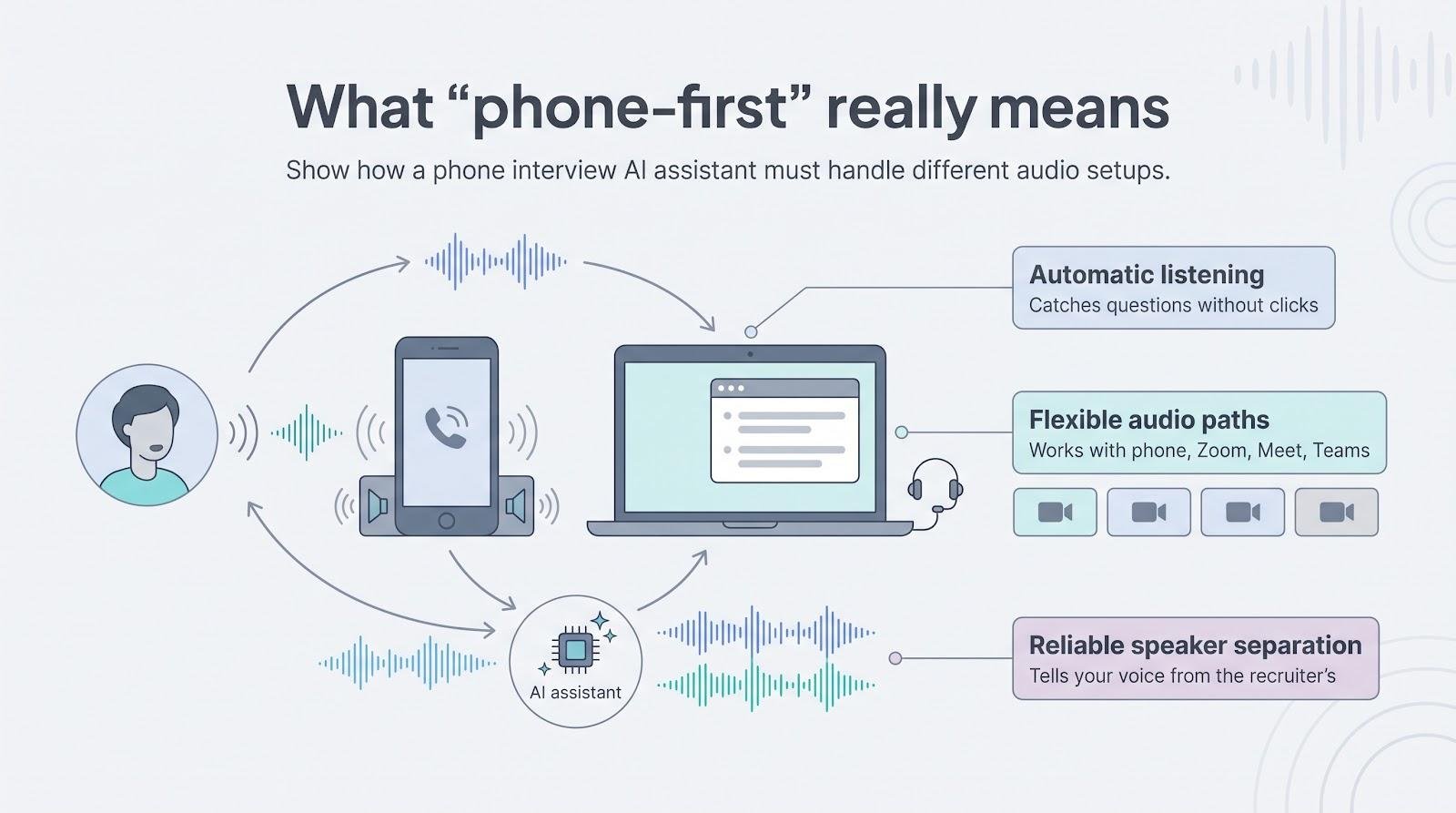
- Automatic listening. It must catch the question without a single click.
- Flexible audio paths. Zoom, Meet, Teams, a headset, or a speakerphone beside the laptop. Check which routes your tool documents, then test yours.
- Speaker separation. If the software can’t tell your voice from the recruiter’s, you end up answering yourself, so test it on your own setup.
Run these three checks yourself before a real phone screen.
Interview Copilot: unlimited, résumé-grounded prompts on your desktop
If you want one subscription that hears every interview question and shows résumé-grounded guidance while the call runs, Interview Copilot from interviewcopilot.ai is built for exactly that. It runs on macOS or Windows, captures system audio from your meeting software, and floats a private window the company calls “Undetectable in any meeting.”
The workflow is simple. Copilot detects the recruiter’s pause, captures the sentence, and, according to the company, shows a first bullet in under a second. Because its prompt engine pulls directly from your résumé and the posted job description, the suggestions echo your projects, not generic examples. A behavioral “Tell me about a challenge” question, for instance, surfaces your project, obstacle, and quantified result before you inhale to answer.
Coverage runs deep. Behavioral, coding, system-design, and case questions all come with follow-up talking points so you can defend trade-offs. When a code snippet or diagram appears on screen, one keyboard shortcut flags it for instant analysis without leaving the call.
Privacy claims are specific. The vendor says the overlay stays out of screen shares, recordings, and screenshots, whether you share a window or a full monitor, while noting that managed or proctored devices can still reveal activity. Interview audio is streamed for transcription rather than stored; final transcript segments and analyzed screenshots stay with your account. Interview data is not used to train public models, and personal data is not sold.
Pricing is straightforward. Paying $49 a month or $149 a year unlocks every feature, with no session caps or credit packs. A live interview needs a subscription, though the app is free to test first. You can cancel renewal any time, and every payment carries a full refund if you email within 7 days of it.
Choose Copilot when you need automatic, résumé-anchored prompts across behavioral and technical calls and you value unlimited minutes over a rock-bottom price. Test the overlay on your own hardware and review company device rules before showtime.
Verve AI: free test runs and a second-screen view
Verve AI’s standout feature is a true no-card trial. You get three live sessions, each 15 minutes, long enough to feel the rhythm of its prompts before you pay.
After installing the macOS or Windows app, you can open the same session on a second device, such as your phone, so the prompts can sit near your webcam and off any surprise screen share.
Verve does not publish a latency benchmark, so time one yourself during the free trial. Behavioral answers arrive in STAR form grounded in your résumé, and the job post; technical prompts add trade-off angles instead of dumping full code.
Pricing depends on the plan. Standard is $16.99 per month and Pro, with unlimited 90-minute sessions, is $34.99 per month, both billed annually; Standard uses 60-minute copilot sessions with a monthly session limit (the plan table lists five). Data handling is thinly documented. The pricing page lists the AI models Verve runs and a camouflage mode, but we found little on transcript retention. Until that is clearer, treat the free tier as a low-risk sandbox, and avoid uploading sensitive documents.
Choose Verve when you want a genuine test drive and value a second-screen prompt that stays out of screenshots.
Interviews Chat: wallet-friendly, browser-based, phone friendly
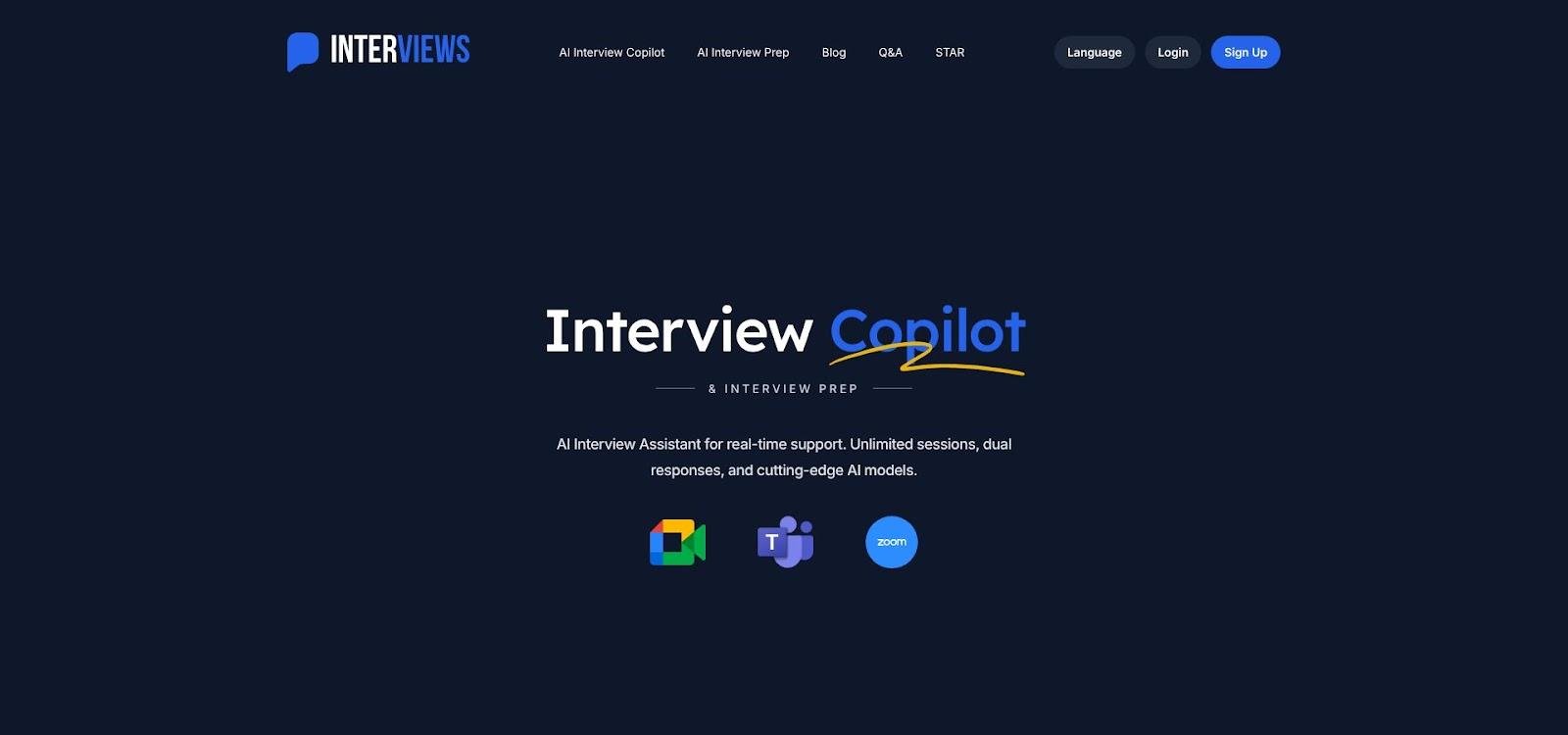
Interviews Chat browser-based AI interview copilot screenshot
When you need a low-cost helper that runs on any screen, Interviews Chat is the simplest option. Open the web app in your phone’s browser, set the device beside your laptop, and it starts transcribing the recruiter’s voice instantly, with no install, no Chrome permissions, and no operating-system tweaks.
Prompts arrive as concise STAR-formatted bullets. Behavioral and light technical questions feel solid, while whiteboard-style coding is weaker unless you add the optional Chrome extension that can read shared code snippets.
Price is the headline. After 30 free credits, you can choose an unlimited monthly plan at $29, or take the $19 monthly plan with 1,000 credits if you’re between interview cycles. A $69 quarterly subscription drops the effective monthly cost to about $23.
Privacy language is direct. The vendor says audio and video are processed live, encrypted end to end, and never stored.
The trade-offs are natural for a browser tool. The prompt window can drift into a shared screen if you’re careless, and a visible second device may raise eyebrows on proctored calls. For budget-minded candidates who prefer to avoid desktop installs, however, Interviews Chat offers strong value with minimal friction.
Final Round AI: one platform for prep, live help, and post-game review
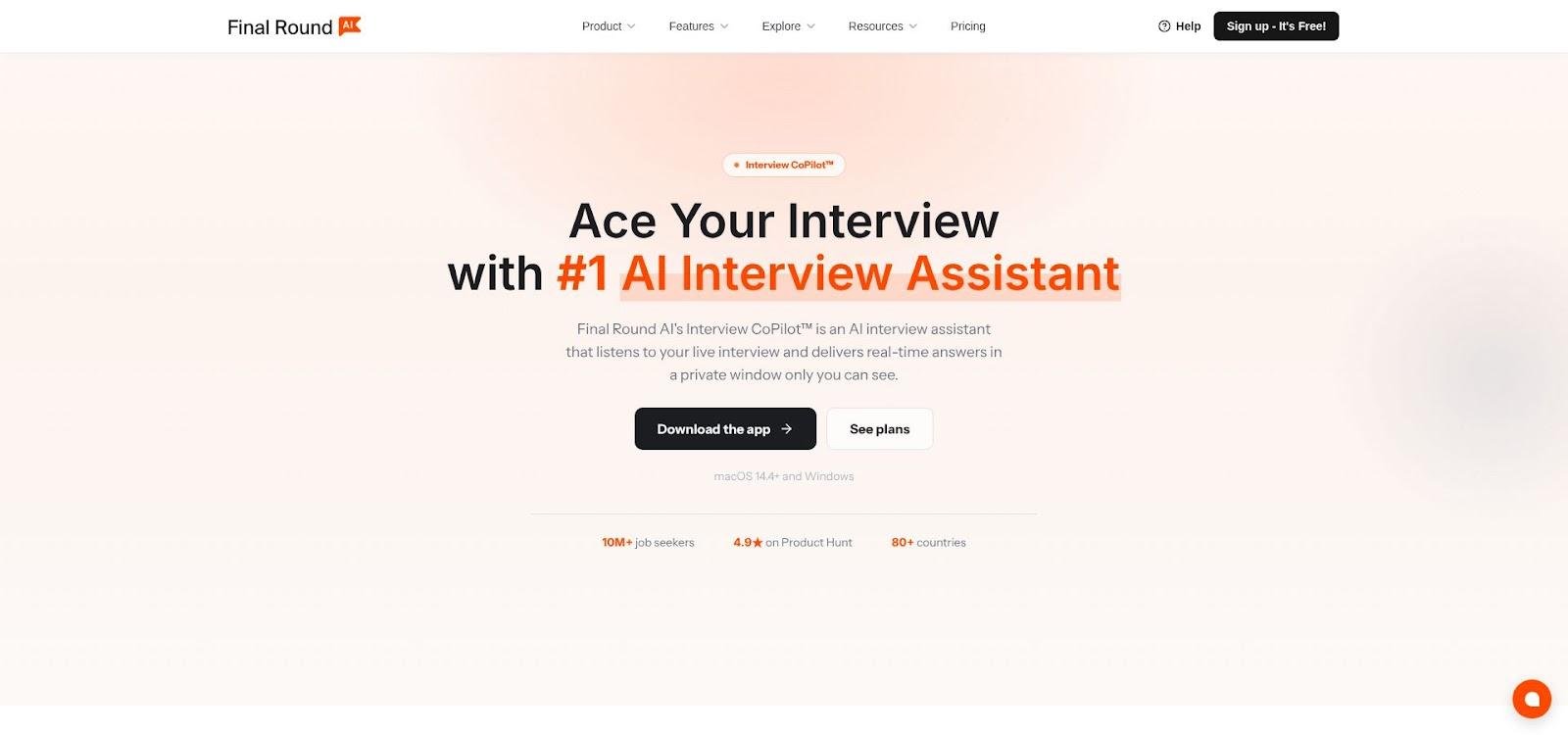
Final Round AI interview assistant with prep, live help, and debrief screenshot
Final Round AI covers the entire interview cycle in one desktop app. You warm up with mock sessions, switch to Live CoPilot during the call, then receive an auto-generated debrief the moment you hang up. The practice transcript fuels live prompts, and the live transcript drives the feedback loop.
Phone setup is flexible. Place your mobile on speaker beside the laptop, or route audio through a USB headset. The vendor publishes no latency benchmark. Each suggestion includes follow-up defenses so you are ready when the recruiter asks, “What was your personal contribution?”
Depth is the draw. Behavioral, coding, and system-design playbooks sit side by side, and Screen Help can scan a diagram or code block on your monitor and turn it into talking points. After the call, an automatic AI debrief reviews the interview and feeds the next round for the same job.
The trade-off is data. The debrief is built from your interview transcript, so read Final Round AI’s privacy settings before a sensitive call, and get written consent if your employer or jurisdiction restricts recordings.
Unlimited Interview Copilot costs $25 per month on the yearly plan, $83.33 per month billed quarterly, or $150 month to month. There is no free live trial, but you can explore the prep features on the free tier before upgrading.
Choose Final Round AI if you want practice, real-time support, and a data-rich debrief in one place, and you are comfortable with the vendor holding your interview transcript.
Beyz AI: broad feature set and solid phone support at a commitment-friendly price
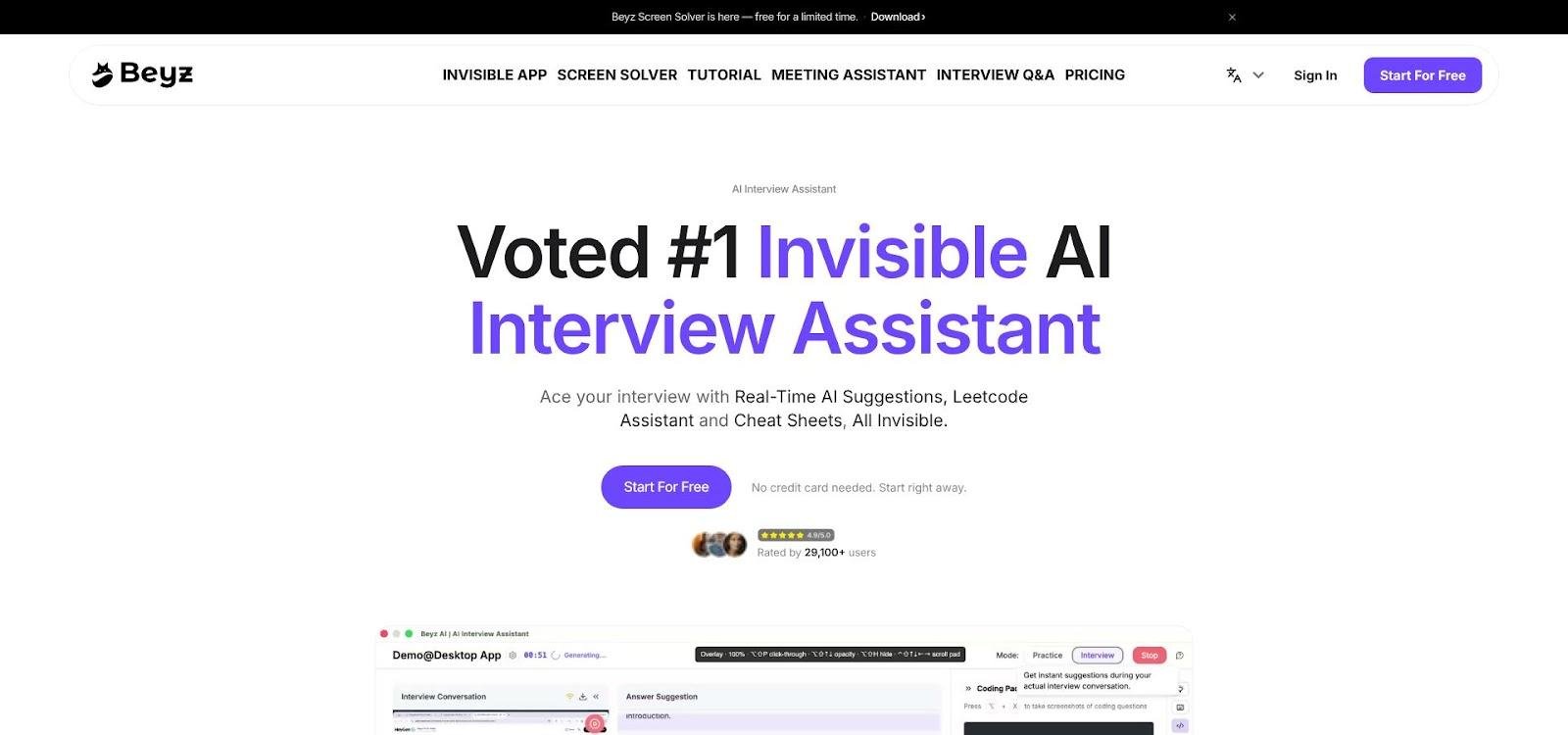
Beyz AI multilingual real-time meeting and interview assistant screenshot
Beyz AI positions itself as the all-purpose assistant for live communication. One desktop app covers phone interviews, Zoom panels, weekly stand-ups, and even multilingual sales calls. Features range from behavioral prompts and real-time translation to meeting summaries, and, on higher tiers, coding guidance that flags complexity pitfalls mid-solution.
Phone workflow mirrors the top picks. Place the call on speaker beside your laptop, or route audio through a headset; Beyz publishes its own phone-interview setup guide. The vendor publishes no latency benchmark. Multilingual Mode can step in if the interviewer switches languages mid-conversation.
Pricing sits in the midrange. The month-to-month plan is $49.99, the quarterly plan averages $32.99 per month, and the semi-annual option drops to $24.99. Coding support is excluded from the base monthly tier, so upgrade if your loop includes a LeetCode-style round.
Privacy detail is thin: we found no published interview-audio retention window or model-provider list, so upload only information you would feel safe emailing to yourself.
Pick Beyz if you juggle multiple call types in several languages and prefer a lower long-term price, but avoid the entry plan for heavy coding help. Test the privacy settings before sharing sensitive specs, and confirm that your required features stay unlocked when you change billing periods.
Side-by-side snapshot: which tool fits your call?
Below is a quick-scan table of the details candidates ask most often a few minutes before a phone screen.
| Tool | Best for | Phone route | No typing? | Platforms | Coding help* | Free test | Monthly price | Session cap | Audio stored | Overlay visible on share? | Key drawback |
|---|---|---|---|---|---|---|---|---|---|---|---|
| Interview Copilot | Unlimited résumé-grounded prompts | System audio from meeting software | Yes | macOS, Windows | ✔ | App free to test | $49 | None | No | Hidden (vendor claim) | Live use needs a subscription |
| Verve AI | No-card trial + second-screen view | Desktop + second device | Yes | macOS, Windows, mobile | ✔ | 3 × 15-min | $34.99 (Pro, annual) | None | Unknown | Hidden; second screen | Sparse privacy detail |
| Interviews Chat | Lowest upfront cost via browser | Web on second device | Yes | Any browser (+ Chrome ext) | ✔ | 30 credits | $29 | Unlimited plan | No | Window can drift | Visible second device |
| Final Round AI | Prep, live help, and debrief loop | Speakerphone or headset | Yes | macOS, Windows | ✔ | Prep only | $25 (yearly) | None | Check policy | Hidden (test first) | $150 month to month |
| Beyz AI | Multilingual calls + meetings | Desktop VoIP; speakerphone | Yes | macOS, Windows | Tier-based | Free start | $49.99 | None | Unknown | Hidden overlay | Coding upsell |
*Coding help refers to behavioral guidance during a live coding round, not code generation.
Use this chart to pick a shortlist, then read the deeper reviews for context on latency, privacy gaps, and tier restrictions.
Frequently asked questions and insider tips
Below are the questions that come up again and again in Reddit threads. We start with the big one: can an AI assistant keep pace on a basic phone line?
Can these tools handle a plain old cellular call?
Yes, provided the software can hear both sides. Most users place the phone on speaker beside the laptop microphone or plug a wired headset into the computer so system audio feeds straight into the app. Run a five-minute test call with a friend and record it. If the first useful prompt lags more than three seconds, tweak your setup before interview day.
Will the interviewer hear me typing?
Unlikely, if you let the assistant handle the prompts. Modern tools detect questions automatically, so you can keep your hands off the keys. Set mic gain conservatively, and silence desktop notifications so you do not trade keystroke noise for alert pings.
How fast is “fast enough” for first-prompt latency?
A pause of three seconds or more already feels long on a live call. Aim for a tool that shows its first bullet in under two seconds. If you cannot measure latency with a stopwatch, run a five-minute mock call and record the gap yourself. When the pause feels long to you, it is already too long for the recruiter.
Are these assistants really undetectable?
No. A hidden overlay only removes the window from a screen share. Recruiters still notice shifted eye lines, reading cadence, and generic phrasing. Proctoring software and managed devices can log unusual activity on the machine. Think of “stealth” as lower visibility, never invisibility.
Is using live AI cheating?
It depends on the company’s rules. Many employers allow AI for preparation but ban real-time answer generation. Some employers publish lists of off-limits tools. Before your next call, scan the candidate FAQ, offer letter, or assessment instructions for AI guidance. When in doubt, ask; misrepresentation can cost you an offer far faster than a well-timed practice session can win one.
Do these apps record my interview?
It varies by product. Final Round AI builds its debrief from your session transcript. Interviews Chat says it processes audio and video live and does not store them. Interview Copilot streams audio for transcription without storing it. Beyz AI does not publish clear retention windows, and Verve AI publishes little on how long transcripts are kept. Always read the privacy page for recording defaults, retention clocks, and deletion routes before you click “Join.”
Can ChatGPT Voice replace a dedicated interview copilot?
Not for a high-stakes phone screen. Holding a phone up to a laptop speaker for a general voice chatbot is slow and clumsy. Purpose-built copilots capture the call’s audio directly and show a prompt without typing, before the silence feels awkward.
What is the safest way to try one?
Run a dry run with a friend using the same laptop, microphone distance, and network you will use on interview day. Time the gap between the end of the question and the first bullet, note where the prompt window lands on your screen share, and confirm that audio is not stored without consent. Five minutes of rehearsal usually reveals any latency or privacy surprises while the stakes are low.
Conclusion: choose the tool that closes your silence gap
- Interview Copilot suits marathon interview seasons with unlimited, résumé-grounded prompts for a flat $49 per month.
- Verve AI lets you test three live calls free and can show prompts on a second device.
- Interviews Chat is the budget pick: 30 free credits, then $29 for unlimited browser sessions.
- Final Round AI adds an automatic debrief after each call, best if you value a detailed review; the $25 rate needs the yearly plan.
- Beyz AI covers multilingual calls and meetings; a semi-annual plan brings the rate to $24.99 per month, but coding help costs extra.
Whichever option you try, run a consented mock call first. Time the first bullet, confirm voice separation, and check that you can explain every suggestion in your own words. AI can organize your experience; it cannot replace it. Use these assistants to stay crisp and confident, then let your work speak louder than the bullets on the screen.