
Windows-first IT teams repeat the same jobs every week: install applications, keep them updated, check what’s on each device and fix whatever breaks. Across office desktops and remote laptops, those jobs multiply fast. Endpoint management software turns them into repeatable packages, schedules and policies.
This comparison looks at six platforms for application deployment and patching on business endpoints. Our top recommendation, listed first, suits Windows-first internal IT teams that want those jobs in one cloud console. The five alternatives fit different operating systems, hosting needs and licensing models.
Key Takeaways
- Deployment works best alongside inventory and patching. Knowing what’s installed where makes every rollout more targeted.
- Remote devices change the requirements. Check whether a tool can reach laptops off the office network without a VPN.
- Pricing units vary widely. Some tools charge per device per year, others per endpoint per month or per user.
- Entry tiers rarely include everything. Automation, remote access and vulnerability features often sit higher up.
How We Picked These Endpoint Management Tools
This is a research-based comparison of vendor product pages, pricing pages and documentation. We did not install agents or time deployments, so the ranking reflects fit for Windows-first business IT, not measured performance.
We looked at four areas: repeatable application deployment with prebuilt and custom packages, ongoing patch automation, support for remote and hybrid devices, and the route from spotting a vulnerability to fixing it. We kept prices in their published units and compared features at the plan that includes them.
| Tool | Best for | Platforms | Starting price |
|---|---|---|---|
| PDQ | Windows-first teams wanting deployment, patching, inventory and remote support in one cloud console | Windows, macOS | USD 12 per device per year (100-device minimum) |
| NinjaOne | Monitoring-led IT operations | Windows, macOS, Linux | USD 3.75 per endpoint per month at 50 or fewer endpoints |
| ManageEngine Endpoint Central | Teams that need cloud or on-premises hosting | Desktop, server and mobile platforms | Free for 25 endpoints; USD 795 per year for 50 endpoints |
| Microsoft Intune | Organizations built on Microsoft 365 | Windows, macOS, mobile | USD 8 per user per month (Plan 1) |
| Automox | Policy-based patching across mixed OS fleets | Windows, macOS, Linux | USD 1 per endpoint per month (OS patching only) |
| Action1 | Small fleets that want a free starting point | Windows, macOS, Linux | Free for the first 200 endpoints |
1. PDQ
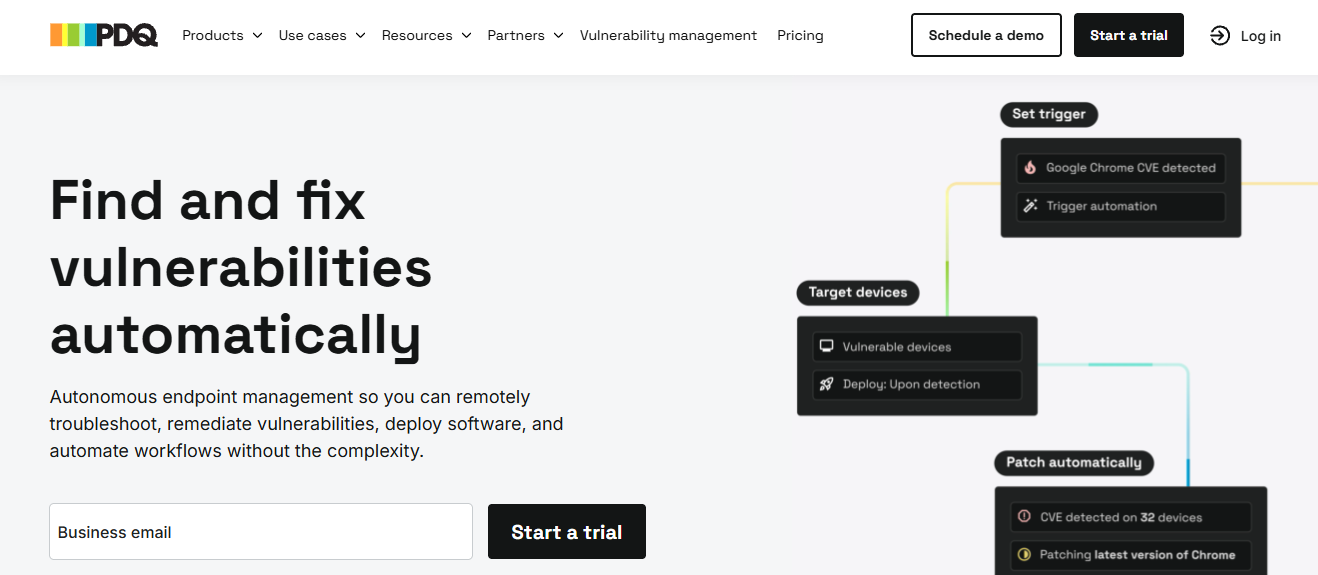
PDQ is a cloud-based endpoint management platform that brings software deployment, automated patching, device inventory, remote desktop and vulnerability management into one console. IT teams can manage Windows and macOS devices from anywhere, without a VPN.
Pros
- Hundreds of prebuilt, verified packages for Windows and macOS, plus custom packages
- Automated patch management that keeps endpoints updated without manual effort
- Device inventory for targeting deployments in a few clicks
- Vulnerability prioritization based on real-world threat intelligence, with one-click CVE resolution on Premium
Cons
- A 100-device minimum applies on every plan
- Automated deployments and remote desktop start on Plus; vulnerability management needs Premium
Why we picked it This is the strongest fit for sysadmins who want to cut repetitive endpoint work without running separate deployment, inventory and remote support tools. Inventory, deployment and remediation sit in the same workflow, so finding an outdated app and fixing it happens in one place.
Pricing Basic costs USD 12 per device per year and covers inventory, prebuilt and custom packages and Windows and macOS management. Plus (USD 18) adds automated deployments, remote desktop and role-based access control, and Premium (USD 28) adds vulnerability scanning, prioritization, one-click CVE resolution and priority support. A 14-day free trial covers up to 250 devices.
2. NinjaOne
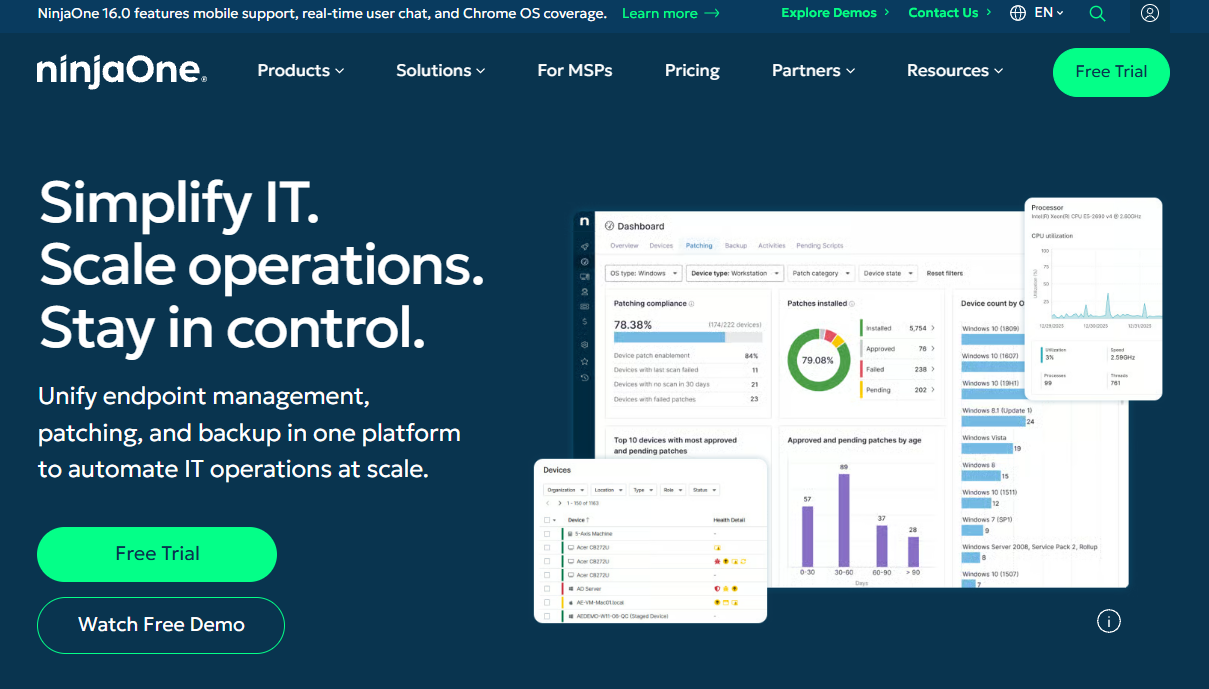
NinjaOne is a unified IT operations platform that combines endpoint monitoring, patching, software deployment and remote access across Windows, macOS and Linux.
Pros
- Windows, macOS and Linux management from one console
- Monitoring and alerting alongside hardware and software inventory
- Application installation, updates and removal as part of endpoint management
- Per-device pricing with volume discounts and monthly or annual billing
Cons
- Exact pricing requires a quote
- Teams focused only on application rollout may not need its broader monitoring scope
Why we picked it NinjaOne suits IT teams whose daily work starts with device-health monitoring and alerts. Deployment and patching sit alongside those functions, which helps when one team handles both monitoring and software upkeep.
Pricing NinjaOne publishes a range rather than a price list: from USD 1.50 per endpoint per month at 10,000 endpoints, rising to USD 3.75 at 50 or fewer. Pricing varies by region and products purchased, and applies to the commercial, non-FedRAMP instance. A 14-day free trial is available.
3. ManageEngine Endpoint Central
ManageEngine Endpoint Central is a unified endpoint management and security suite that runs as a cloud service or on your own servers. It covers desktops, laptops, servers and mobile devices.
Pros
- Cloud or on-premises hosting within the same product family
- Patch management, application distribution and asset management from the Professional edition
- Self-service portal from the Enterprise edition
- A free edition for up to 25 endpoints
Cons
- Vulnerability remediation sits in the top Security edition
- Price depends on edition, deployment type, device count and technician seats
Why we picked it Endpoint Central earns its place where infrastructure policy decides where the management server can run. Teams can start with patching and application distribution, then move up an edition for self-service or security features.
Pricing Professional is advertised from USD 1.32 per endpoint per month, or USD 795 per year for 50 endpoints. Enterprise starts at USD 945, UEM at USD 1,095 and Security at USD 1,695 per year for 50 endpoints. A free edition covers 25 endpoints, and a 30-day trial includes the full feature set.
4. Microsoft Intune
Microsoft Intune is Microsoft’s cloud-based device and app management service, built to work with Microsoft Entra ID and Microsoft 365.
Pros
- Win32 app deployment with detection rules, dependencies and requirements
- Delivery Optimization for distributing application content
- Device compliance signals for Microsoft Entra Conditional Access
- Plan 1 is included in Microsoft 365 E3 and E5
Cons
- Win32 apps need .intunewin packaging and silent installation
- Per-user licensing makes comparison with per-device tools harder
Why we picked it Intune belongs on the shortlist when an organization already runs on Microsoft identity and licensing. Checking existing entitlements first can avoid paying for a second platform.
Pricing Standalone Plan 1 costs USD 8 per user per month. Plan 2 is a USD 4 per user per month add-on, and the Intune Suite costs USD 10 per user per month. Microsoft says it began rolling select advanced capabilities into Microsoft 365 E3 and E5 in July 2026, so review your subscription before buying add-ons.
5. Automox
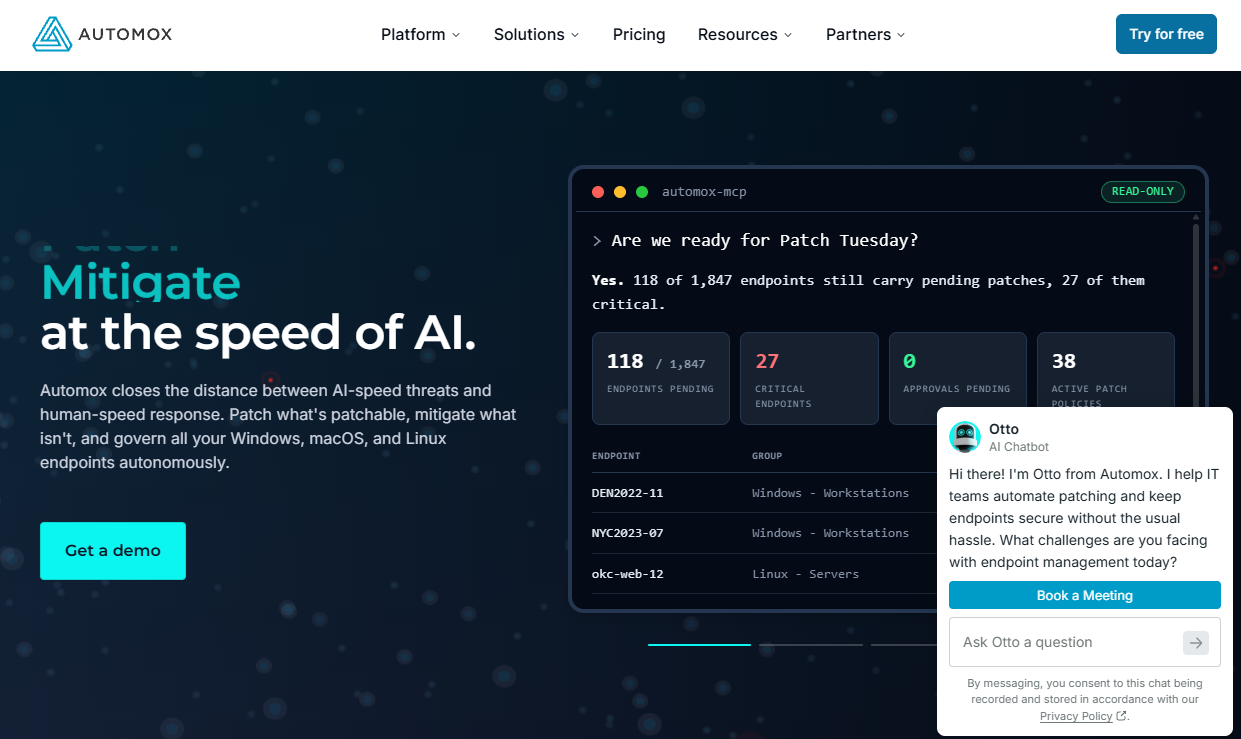
Automox is a cloud-native endpoint management platform built around automated, policy-based patching for Windows, macOS and Linux.
Pros
- OS patching across Windows, macOS and Linux from one dashboard
- Policy-driven patch scheduling and device configuration
- Script-based Worklets for configuration and remediation tasks
- 633+ third-party patching titles in Automate Essentials
Cons
- The entry tier covers OS patching only, not software deployment
- Software deployment, third-party patching and API access require custom-priced Automate Essentials
Why we picked it Automox fits teams whose main goal is consistent patch policy across a mixed operating system fleet. Worklets extend that policy work into configuration and remediation scripts.
Pricing Patch OS costs USD 1 per endpoint per month with an annual commitment. Automate Essentials adds software deployment, third-party patching, device configuration, advanced automation policies and API access, and Automate Enterprise adds further automation. Both Automate plans are custom-priced, and a 15-day trial is available.
6. Action1
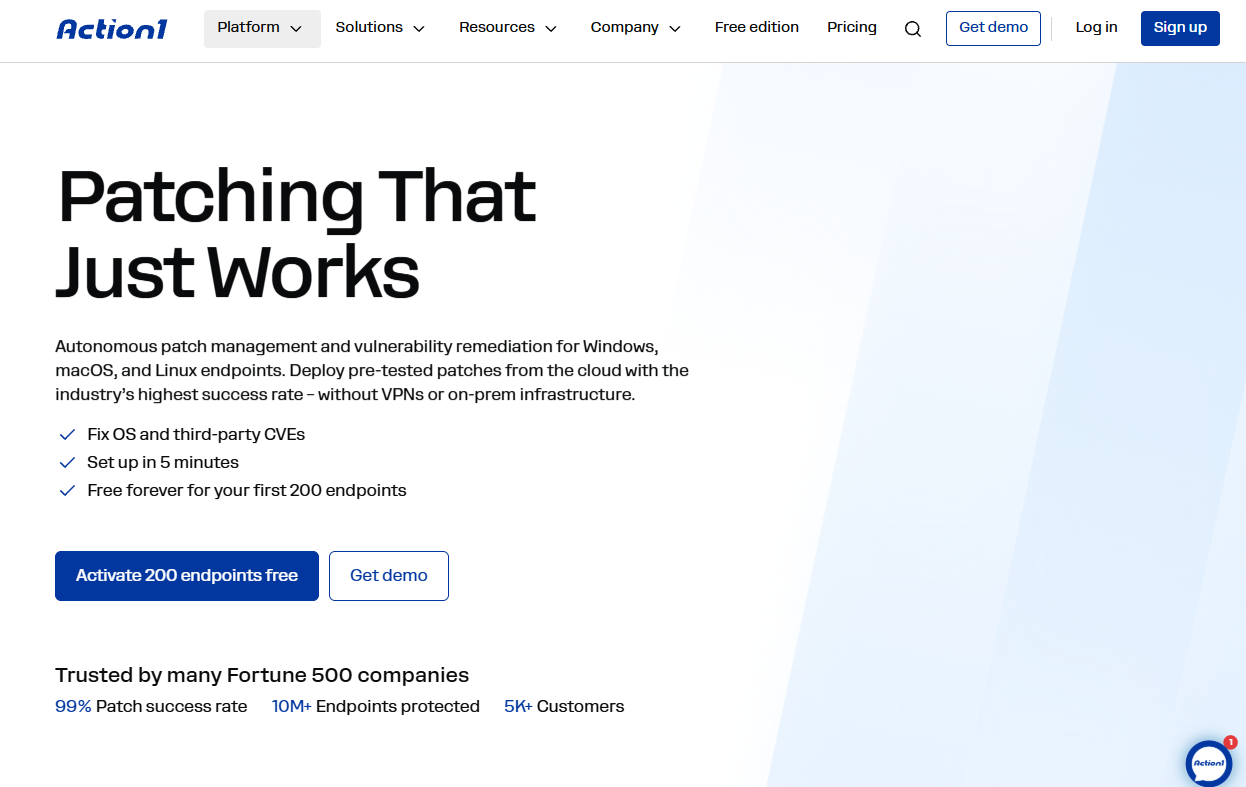
Action1 is a cloud-native patch management and endpoint management platform for Windows, macOS and Linux, with a free tier for the first 200 endpoints.
Pros
- First 200 endpoints free, with no feature limits and no expiry
- Automated patching for operating systems and third-party apps
- Custom application patching through its software repository
- Built-in remote access and automated vulnerability remediation
Cons
- Free users get community support only
- Paid plans add a support fee on top of the per-endpoint rate
Why we picked it Action1 makes sense when budget is the deciding factor. Its free tier is permanent, not a trial, so small fleets can run patching at no cost and scale up only when needed.
Pricing The first 200 endpoints are free. The Growth tier covers fleets of 200 to 1,000 endpoints from USD 4 per endpoint per month (after the first 200), plus a support fee, and includes phone and email support. Larger fleets request an Enterprise quote.
How to Choose the Right Endpoint Management Tool
Start with the devices you manage. A Windows and macOS fleet has different needs from one with Linux servers or a large mobile estate.
Then decide which jobs you want in one place. Software, licenses and devices are workplace resources like any other, and consolidating the tools that manage them can reduce cost and admin time. If you need deployment, patching and vulnerability remediation together, compare tools at the plan that includes all three.
Finally, run a trial with a real application, an off-network laptop and the plan you intend to buy. Check package coverage, silent-install requirements and how many steps it takes to move from an outdated app to a completed deployment.
Final Thoughts
For Windows-first IT teams that want software deployment, patching, inventory, remote support and vulnerability remediation in one cloud console, our top pick offers the most connected workflow in this comparison at a published per-device price. NinjaOne suits monitoring-led operations, Endpoint Central offers hosting flexibility, and Intune deserves a licensing review in Microsoft 365 environments. Automox fits cross-platform patch policy, and Action1 gives small fleets a free place to start.