A complete overview of ezClocker pricing tiers, additional costs, value for money and how to pick the right plan for your crew. Plus, alternatives to consider and a side-by-side pricing comparison.
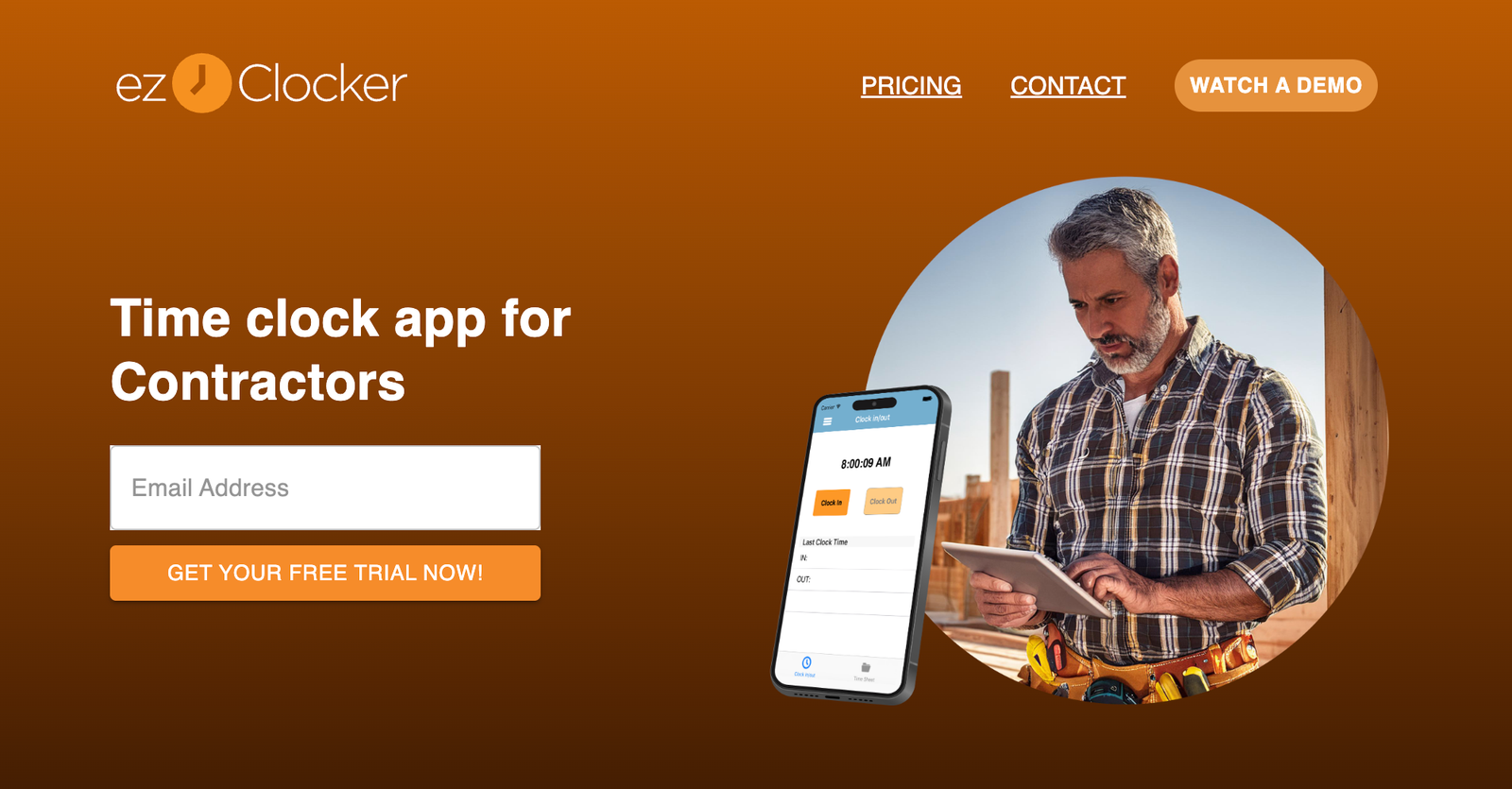
ezClocker is a time tracking and employee scheduling app built for small businesses with hourly workers, including contractors who run crews across several job sites. It is designed for employees who are not tech savvy, so workers clock in and out with a touch of a button on Apple or Android phones, and each punch saves a GPS stamp.
Compared with many contractor time tracking tools, ezClocker uses a simple flat-fee structure based on crew size rather than charging per user. This guide covers everything you need to know about ezClocker pricing, plans and costs to make an informed purchase decision.
How Much Does ezClocker Cost?
ezClocker’s paid plans start at USD 15 per month for the Basic plan, USD 30 per month for the Standard plan and USD 60 per month for the Premium plan.
Each plan is a flat monthly rate that covers a set number of employees, and you can save 20% by choosing yearly billing. New users can try the app free for 30 days, and subscription plans can be cancelled anytime.
ezClocker Plans & Pricing Tiers
Here is an overview of the available ezClocker plans:
| Plan Type | Price | Employees | What’s Included |
|---|---|---|---|
| Basic | USD 15 per month | Up to 15 | Web and mobile access, employee scheduling, GPS verification and pay-period export to CSV |
| Standard | USD 30 per month | Up to 30 | Everything in Basic, plus job assignments, overtime reports and payroll integrations |
| Premium | USD 60 per month | Up to 100 | Everything in Standard, for larger teams |
Let’s break down the available ezClocker plans a bit further.
ezClocker Basic Plan
Ideal for small crews, the Basic plan covers up to 15 employees for a flat USD 15 per month. It includes web and mobile access, employee scheduling, GPS verification and the ability to export pay periods to a CSV file that you can send to your accountant or payroll provider.
Because the price does not rise with each worker, a crew of 12 pays the same as a crew of five. Keep in mind that job assignments are not part of this tier, so contractors who want to track hours by project should look at Standard.
ezClocker Standard Plan
Designed for growing contractors, the Standard plan covers up to 30 employees for USD 30 per month. It adds job assignments, overtime reports and payroll integrations to everything in Basic.
This is the tier that suits contractors who want to see where labour hours are going. With ezClocker, timesheets showing the hours logged on specific jobs can be exported and grouped by project, giving owners the total hours spent per job and a clearer view of labour cost on each project.
ezClocker Premium Plan
The Premium plan covers up to 100 employees for USD 60 per month and includes everything in Standard. It suits larger contracting businesses that need the same simple tools across more crews.
ezClocker Pricing vs. Competitors
ezClocker is generally one of the more affordable options for contractors because its flat fee covers a whole crew. Many competitors charge per user or add a monthly base fee, so costs climb with every new hire.
Comparison Chart: ezClocker vs. Alternatives
Here is how ezClocker’s entry pricing compares with other contractor time tracking apps, based on each vendor’s published pricing in mid-November:
| Tool | Pricing model | Entry price | Free plan | Free trial |
|---|---|---|---|---|
| ezClocker | Flat fee by crew size | USD 15 per month for up to 15 employees | Not listed | 30 days |
| Connecteam | Flat fee for first 30 users | USD 29 per month billed annually, or USD 35 monthly | Up to 10 users | 14 days |
| busybusy | Per user | USD 9.99 per user per month | Unlimited users | 14 days |
| Clockify | Per seat | USD 3.99 per seat per month billed annually, or USD 4.99 monthly | Up to 5 active users | 7 days for Pro features |
| QuickBooks Time | Base fee plus per user | USD 20 per month plus USD 8 per user | No | 30 days |
| ClockShark | Base fee plus per user | USD 42 per month plus USD 9.50 per user | No | 14 days |
For a 12-person crew on each tool’s entry plan, that works out to USD 15 for ezClocker Basic, USD 47.88 for Clockify Basic billed annually, USD 116 for QuickBooks Time and USD 156 for ClockShark. Entry plans do not include identical features, so compare what each tier covers alongside the price.
Alternatives to ezClocker
ezClocker is a strong fit for small crews, but depending on your budget, team size and workflow, you might consider:
- Connecteam: Best for crews of 10 or fewer who want a free all-in-one app with chat and forms.
- busybusy: Best for free job costing and equipment tracking with no user limit.
- Clockify: Best for very small teams that need a basic timer, though GPS tracking requires its Pro plan.
- QuickBooks Time: Best for contractors who already run payroll in QuickBooks Online.
- ClockShark: Best for crews that switch jobs often, though a three-year contract term applies to all plans.
How to Choose the Right ezClocker Plan
When deciding which ezClocker plan to choose, weigh the added value of each tier against what your business actually needs. Here are a few factors to keep in mind.
Scalability and Team Size
Start with headcount, including seasonal workers. Basic fits crews of up to 15, Standard up to 30 and Premium up to 100. If you expect to grow past a limit during your busy season, price the next tier up before committing.
Ease of Use for Field Crews
The app is built so crews can start using it without long training sessions. Employees clock in with one tap, the GPS location is saved automatically, and any tablet can become a shared kiosk for crews who start the day together. Software works best alongside simple routines, and this guide to organizing your business to make it more effective pairs task management tools with short daily meetings that help teams catch issues early. Use the 30-day trial to have a crew member clock in, check the schedule and clock out, then run a CSV export before you buy.
Contractor-Specific Features
Contractors managing several sites benefit from online scheduling, which lets you attach location details and instructions to each shift so workers can see them on their phones. If tracking labour hours by job matters to your business, Standard is the tier to budget for, because it includes job assignments.
Payroll and Integrations
Every plan lets you export pay periods to a CSV file, which may be enough for a small business that sends hours to an accountant. Standard and Premium add payroll integrations for contractors who want a more direct handoff.
ezClocker Pricing FAQs
Here are answers to a few common questions about ezClocker pricing plans.
What additional costs should I anticipate?
The main cost driver is crew size. If your team grows past your plan’s employee limit, you will need to move up a tier. Also allow time for setup, a short demo for crews and weekly timesheet review.
Are there any discounts available?
Yes. You can save 20% by paying yearly instead of monthly.
Is there a free trial?
Yes. You can try the app with your employees for 30 days free.
Can I cancel my plan?
Yes. ezClocker’s subscription plans can be cancelled anytime.
Which plan do I need for job costing?
Standard. It adds job assignments, so hours can be tracked and exported by project to show labour cost per job.
Is ezClocker Good Value?
For small and mid-sized contracting businesses, ezClocker offers strong value. Its flat monthly pricing keeps costs predictable as you add workers within a tier, and its core tools, including one-tap clock-ins, GPS stamps, scheduling and CSV exports, cover what most crews need day to day. The app is rated 4.8 out of 5 on Capterra, 4.6 on Google Play and 4.8 on the Apple App Store.
It is focused on time tracking and scheduling rather than full project management, so contractors who also want project management tools may want to compare the alternatives above.
Verdict: ezClocker is an affordable, easy-to-use choice for contractors who want simple crew time tracking without per-user pricing. Most crews tracking hours by job will find the Standard plan the best fit.