
Students in a modern high school chemistry lab no longer huddle around a small microscope to see. They look at synchronized overhead monitors that display high definition feeds from a digital lens. This immediate visual access changes how students process information during the most critical parts of a lesson.
Building these environments requires a foundation of reliable hardware and professional installation. Many schools partner with Universal Fiber Optics, a low voltage installation company, to design these cabling frameworks. When the physical infrastructure is stable, teachers focus on their lessons rather than fixing connection issues.
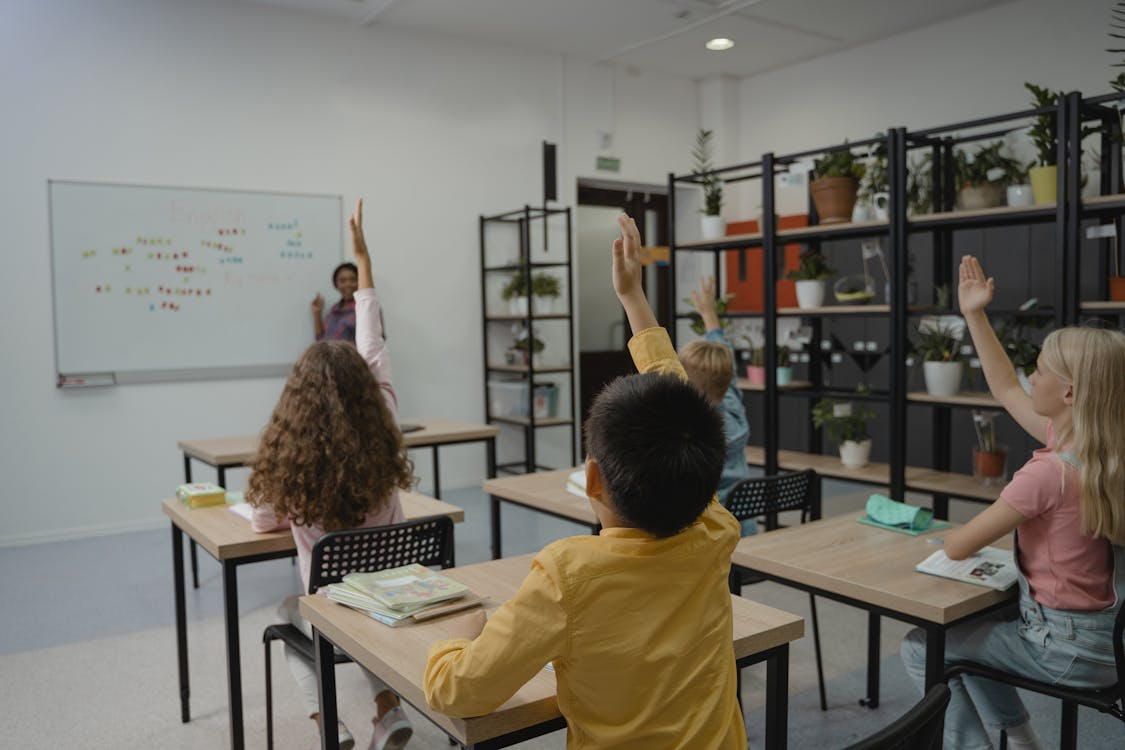
Photo by Tima Miroshnichenko
Creating Immersive Environments for Active Learning
Classrooms are changing from quiet listening spaces into active hubs where media helps students remember facts. High quality audio setups ensure that every student hears the teacher clearly from any seat. Voice amplification technology reduces vocal strain for teachers and helps students stay focused on the material.
Interactive Tools for Better Participation
Can students learn better by touching digital objects on an interactive flat panel? Visual tools like interactive boards allow for collaborative problem solving that old chalkboards cannot match. Students share their tablet screens with the whole class to show their work instantly. This interaction encourages quiet students to participate more during a standard presentation.
Teachers use several tools to make lessons more interactive for their students. These devices help bridge the gap between abstract concepts and real world applications.
- Interactive flat panels allow students to touch and move digital objects.
- Document cameras show live demonstrations of science experiments or art projects.
- Wireless casting devices let students present from their desks without using cables.
The Role of Technical Leadership in Modern Schools
Educational leaders now manage the intersection of teaching and technology within their buildings. They must decide which tools provide the best results for student learning and long term use. Top leadership experts often say that technology should serve the teacher’s goals.
Strategic planning for these frameworks involves knowing the lifespan of hardware and how networks grow. A well designed setup allows a campus to add new displays without replacing every wire. This smart approach saves money while keeping the building current with modern standards.
Training for Better Results
Effective leaders recognize the need for training when new hardware arrives in the building. Giving teachers confidence to use new displays ensures that the equipment gets used every day. When a faculty feels comfortable with the technology, they create more creative lesson plans.
Districts use different methods to help their staff learn to use new audio visual equipment. These steps ensure the technology becomes a natural part of the school day.
- Small group workshops show teachers how to use specific software features.
- In-class coaching provides support while students are present in the room.
- Short video guides offer quick reminders for common technical tasks.
Supporting Different Learning Styles
Every student learns in a different way and audio visual setups provide the needed flexibility. Visual learners benefit from 3D models while those who learn by hearing gain from clear recordings. This method of teaching improves how deeply students understand topics with different cognitive strengths.
Research from the National Center for Education Statistics shows that technology integration helps modernize school buildings. This shift creates more inclusive spaces where students with disabilities use assistive tools. These tools connect to the existing wiring to provide a fair experience for everyone.
Global Connections for Classrooms
Remote guest speakers now enter a classroom through high definition video to share their expert views. This connectivity expands the campus walls and introduces students to different cultures and professional jobs. The clear video and audio make these virtual visits feel like real in-person meetings.
Modern networks allow an academy to connect with people and places that were once unreachable. These connections offer students a wider view of the world around them.
- Virtual tours let students visit famous museums in other countries.
- Video calls connect local students with scientists working in the field.
- Recorded lectures allow students to review difficult topics at their own pace.
Building Strong Infrastructure for Growth
Installing these frameworks is a complex task that requires careful cable routing and secure mounting. Proper cable management prevents signal problems and makes future repairs much easier for school staff. Professional installers test every connection to make sure it handles high speeds for data.
A structured cabling approach provides a neat system that supports many years of hardware updates. Using high quality materials reduces the risk of signal loss during heavy daily use. This reliability is vital in a district where every minute of class time is important.
Safety and Communication Improvements
Audio visual technology plays a big part in the safety of a school campus. Digital signs in hallways provide live updates on schedules or emergency rules for everyone. These displays receive updates from the main office so the information stays current.
Effective communication relies on high quality speakers to give clear directions during safety drills. Modern setups connect with security cameras to give principals a full view of the campus. This broad approach to technology creates a safe space where students feel ready to learn.
- Instant alerts send emergency messages to every screen in the building.
- Clear intercoms allow teachers to talk to the office during an emergency.
- Outdoor speakers ensure students on the playground hear important school announcements.
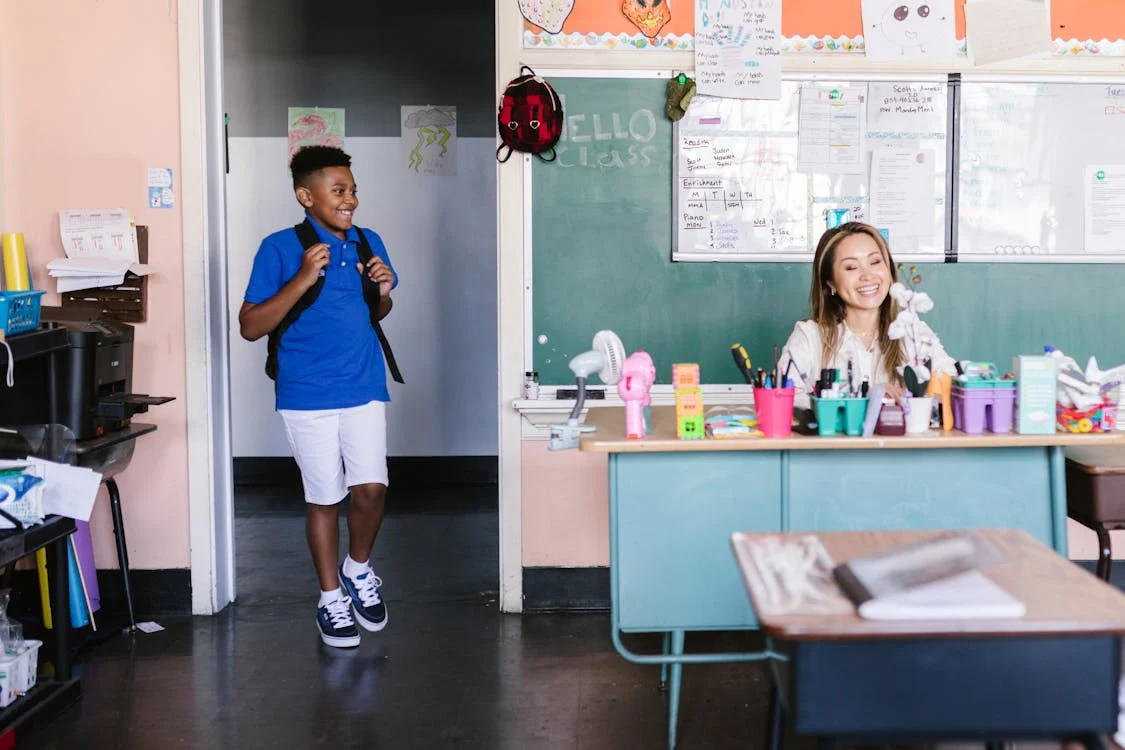
Photo by RDNE Stock project
Helping Educators with Technical Support
The best audio visual setup only works if people know how to use it daily. Schools that succeed with technology view their technical partners as a long term support team. Regular maintenance and software updates keep the hardware running and stop problems during class.
By using simple interfaces, schools help new trainers and guest speakers feel more comfortable. Simple touch panels that control lights and sound make starting a lesson very easy. This simplicity leads to more technology use and better student interest across the whole school.
Setting up these frameworks requires a deep look at how people use technology every day. Many groups follow the Association for Educational Communications and Technology for advice on these tools. These rules ensure the technology supports school goals and stays useful for a long time.
A high quality learning space serves as a long term investment for the local community. When students use the best tools, they prepare for the needs of a modern job. Good technology starts with a clear plan and a strong foundation for every single classroom.